


Powered by leading AI models
 Deep reasoning for complex tasks
 Fast responses with balanced efficiency and quality

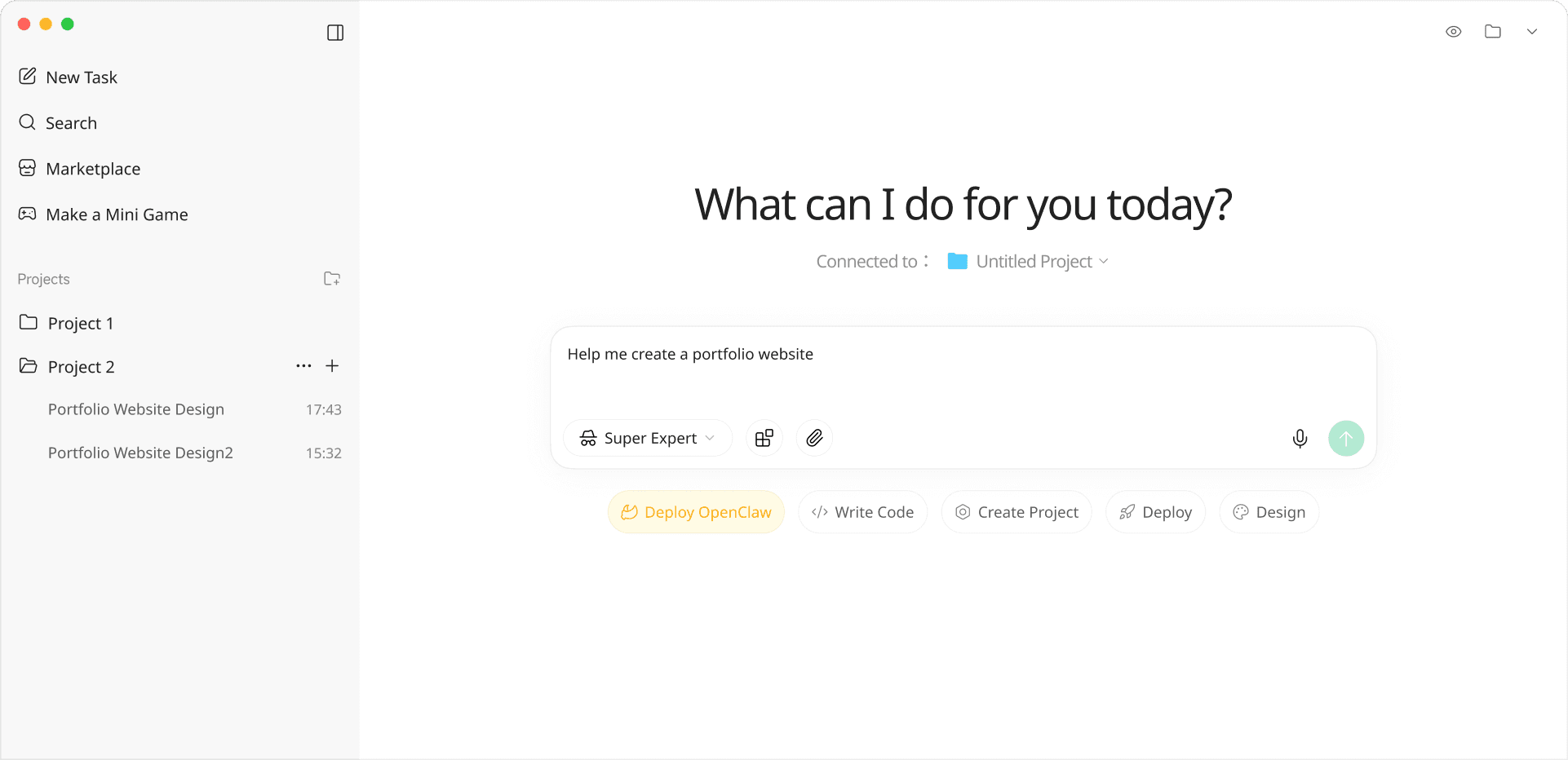
PieBox is an AI agent workspace for turning ideas into deliverables. Give it a goal, add context or files, and keep refining until you have something you can preview, share, or publish.
| PieBoxwith DeepSeek | CC | Cx | |
|---|---|---|---|
| Code reasoning ability | Strong | Strong | Strong |
| Visual quality | Polished | Basic | Basic |
| Launch a product website landing page (simple) | ≈ ¥10 | ≈ ¥100+ | ≈ ¥120+ |
| Launch a complete bookkeeping app product (complex) | ≈ ¥50 | ≈ ¥500+ | ≈ ¥800+ |
| Integrated video generation | — | — | |
| Integrated image generation | — | — | |
| API Hub services | — | — | |
| One-click publishing | — | — | |
| Included domain | — | — |
* Prices are estimates and vary by project complexity and revision rounds
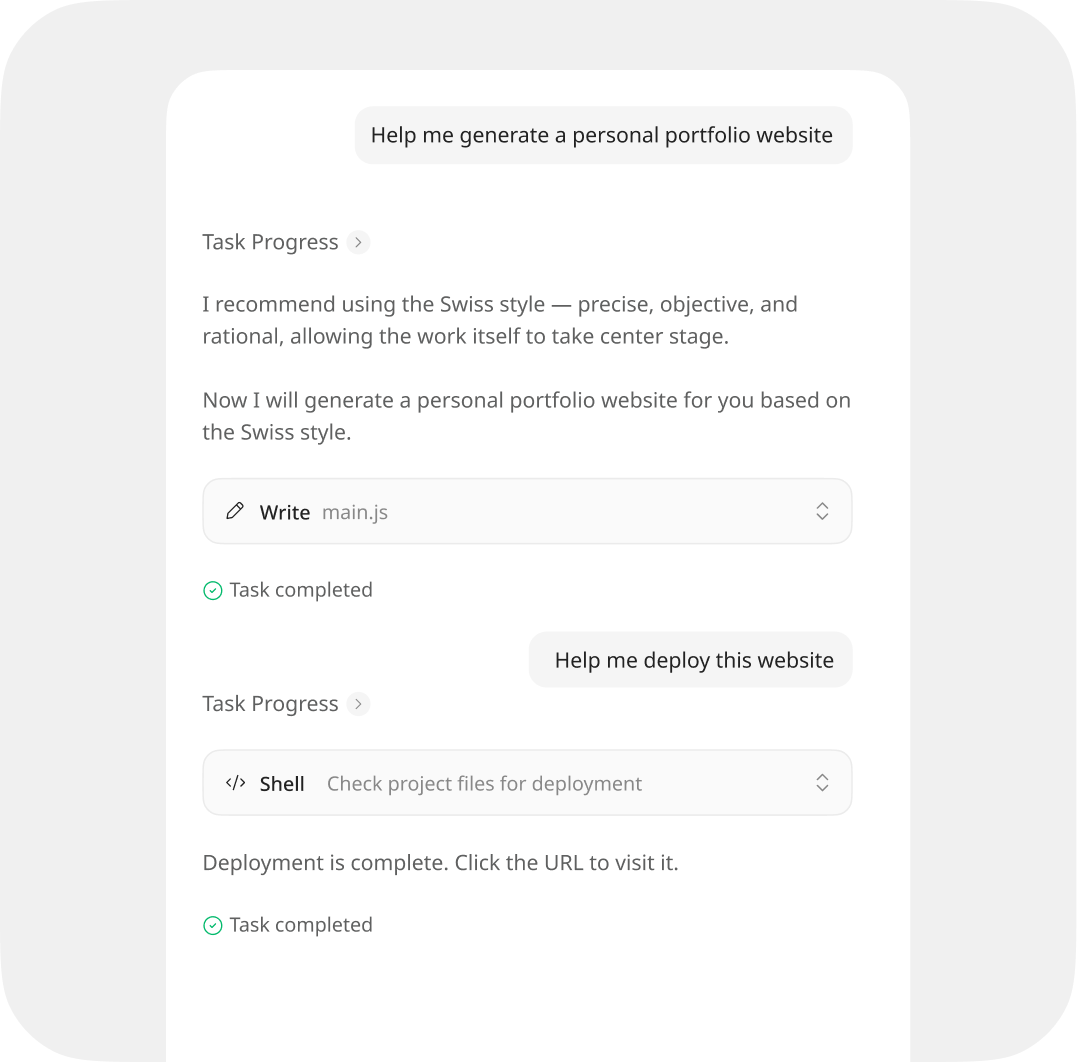
Describe the product, page, report, or workflow you need. PieBox turns unclear ideas into a first version you can actually review.
Planning, design, code, content, analysis, fixes, and publishing stay connected, so you do not have to repeat context across tools.
Build a landing page, prepare a pitch deck, analyze a market, review data, or refine an app with task-specific agent skills.
When the project needs auth, payments, AI capabilities, preview links, or deployment, PieBox helps connect the pieces through conversation.
"I described the audience, positioning, and reference style. PieBox gave me a product site I could keep editing and publish instead of just a block of code."
"For market research, PieBox organized competitors, user pain points, and opportunity areas, then helped turn the findings into a landing page for validation."
"Campaign pages and dashboards used to wait on engineering. Now I can build a usable first version, collect feedback, and bring developers in for the critical parts."
"I do not write code, but I can describe structure, tone, and visual direction. PieBox turned that into a client-ready company site preview."
"For presentations, PieBox starts with the story and audience, then builds the outline and slides instead of dropping me into a blank template."
"I needed an operating data review on short notice. I gave PieBox the file and questions, and it returned charts, conclusions, and next-step suggestions."
"I described the audience, positioning, and reference style. PieBox gave me a product site I could keep editing and publish instead of just a block of code."
"For market research, PieBox organized competitors, user pain points, and opportunity areas, then helped turn the findings into a landing page for validation."
"Campaign pages and dashboards used to wait on engineering. Now I can build a usable first version, collect feedback, and bring developers in for the critical parts."
"I do not write code, but I can describe structure, tone, and visual direction. PieBox turned that into a client-ready company site preview."
"For presentations, PieBox starts with the story and audience, then builds the outline and slides instead of dropping me into a blank template."
"I needed an operating data review on short notice. I gave PieBox the file and questions, and it returned charts, conclusions, and next-step suggestions."
"Financial analysis usually gets scattered. PieBox helped break down the metrics, trends, and risks into a draft the team could discuss."
"For an ecommerce product page, I gave it the product benefits, target audience, and offer. PieBox produced the page structure, copy, and conversion path."
"Before PieBox, getting from idea to demo meant separate design, frontend, and deployment work. Now we can discuss a real preview much earlier."
"Clients care about the outcome. PieBox helped turn requirements into pages, data views, and publishable work, which reduced the back-and-forth."
"The useful part is continuity. Writing UI, adjusting styles, fixing build errors, and publishing previews all happen in the same working thread."
"As a creator, I used PieBox to build a personal site, download pages, and small tools, then kept iterating from real user feedback."
"Financial analysis usually gets scattered. PieBox helped break down the metrics, trends, and risks into a draft the team could discuss."
"For an ecommerce product page, I gave it the product benefits, target audience, and offer. PieBox produced the page structure, copy, and conversion path."
"Before PieBox, getting from idea to demo meant separate design, frontend, and deployment work. Now we can discuss a real preview much earlier."
"Clients care about the outcome. PieBox helped turn requirements into pages, data views, and publishable work, which reduced the back-and-forth."
"The useful part is continuity. Writing UI, adjusting styles, fixing build errors, and publishing previews all happen in the same working thread."
"As a creator, I used PieBox to build a personal site, download pages, and small tools, then kept iterating from real user feedback."

Real delivery often gets stuck between research, content, design, code, integration, and publishing.
PieBox connects those steps in one AI agent workflow, so the work keeps moving from rough idea to usable result.
Build, review, refine, and publish earlier, with less handoff and less wasted setup.
Start with an idea and work with PieBox until there is something you can preview, share, or publish.
Get started with PieBoxThis website was entirely built with PieBox